The Ultimate Free Media Player for Everyone

VLC media player plays virtually any audio or video format. No codec packs needed. Free, open-source, and trusted by billions of users worldwide.

v3.0.23 38 MB Free & Open Source
VLC media player orange traffic cone logo on warm gradient background
6B+
Total Downloads
25+
Years of Development
100+
Supported Formats
100%
Free, No Ads

Why Millions Choose VLC Media Player

A powerful, free media player that handles virtually every format without extra plugins or codec packs.

Plays Everything

From MP4 and MKV to FLAC and DVD, VLC supports all major audio and video formats right out of the box.

No Codec Packs Needed

Built-in support for MPEG-2, H.264, H.265, WebM, WMV, AAC, FLAC, and hundreds more. Just install and play.

Cross-Platform

Available on Windows, macOS, Linux, Android, and iOS. One player for all your devices with a consistent experience.

Hardware Decoding

GPU-accelerated playback with zero-copy on hardware for smooth 4K and 8K video without taxing your CPU.

No Spyware or Ads

VLC respects your privacy. No user tracking, no advertising, no data collection. Completely free and open-source.

Highly Customizable

Custom skins, extensions, audio and video filters, subtitle synchronization, and a full-featured equalizer.

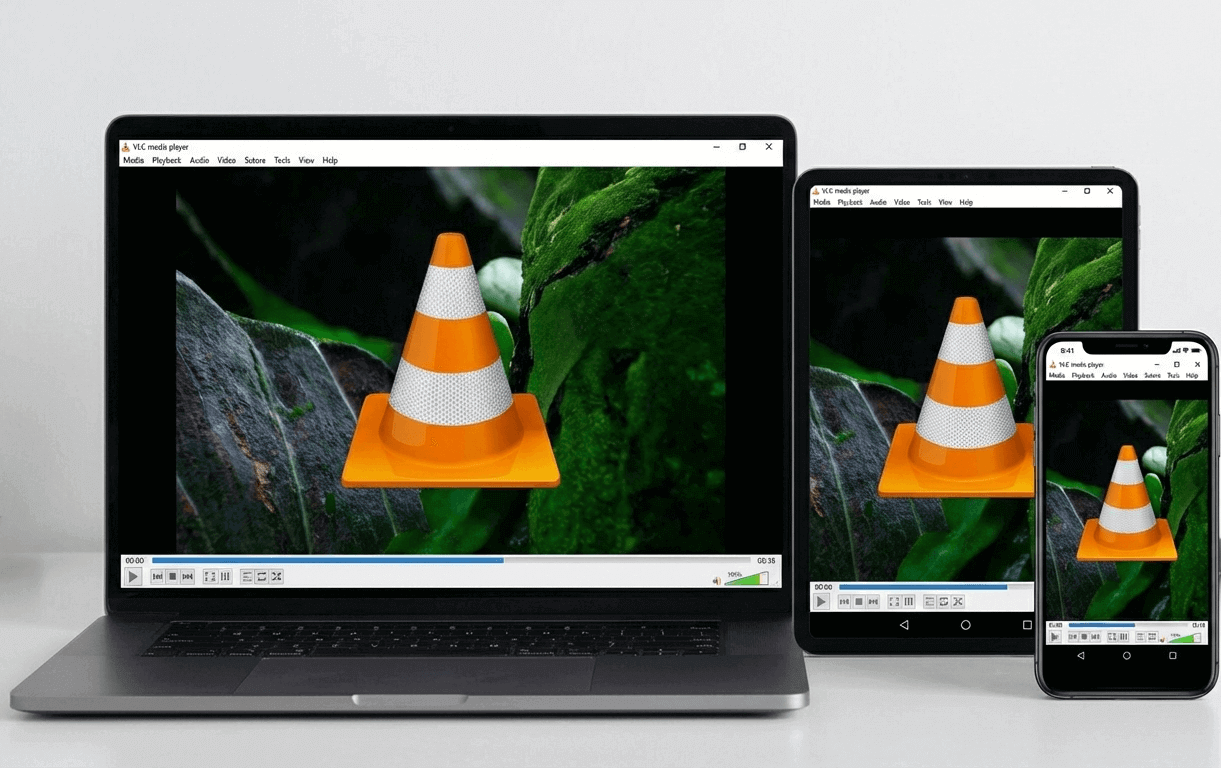
VLC media player displayed on laptop, tablet, and smartphone showing responsive multi-device compatibility

One Player, Every Device

Whether you are on a Windows PC, a Mac, or your Android phone, VLC delivers the same reliable playback experience across all platforms.

  • Windows 7, 8, 10 and 11 (32-bit and 64-bit)
  • macOS (Intel and Apple Silicon native)
  • Linux (Ubuntu, Fedora, Debian, Arch and more)
  • Android and iOS mobile devices
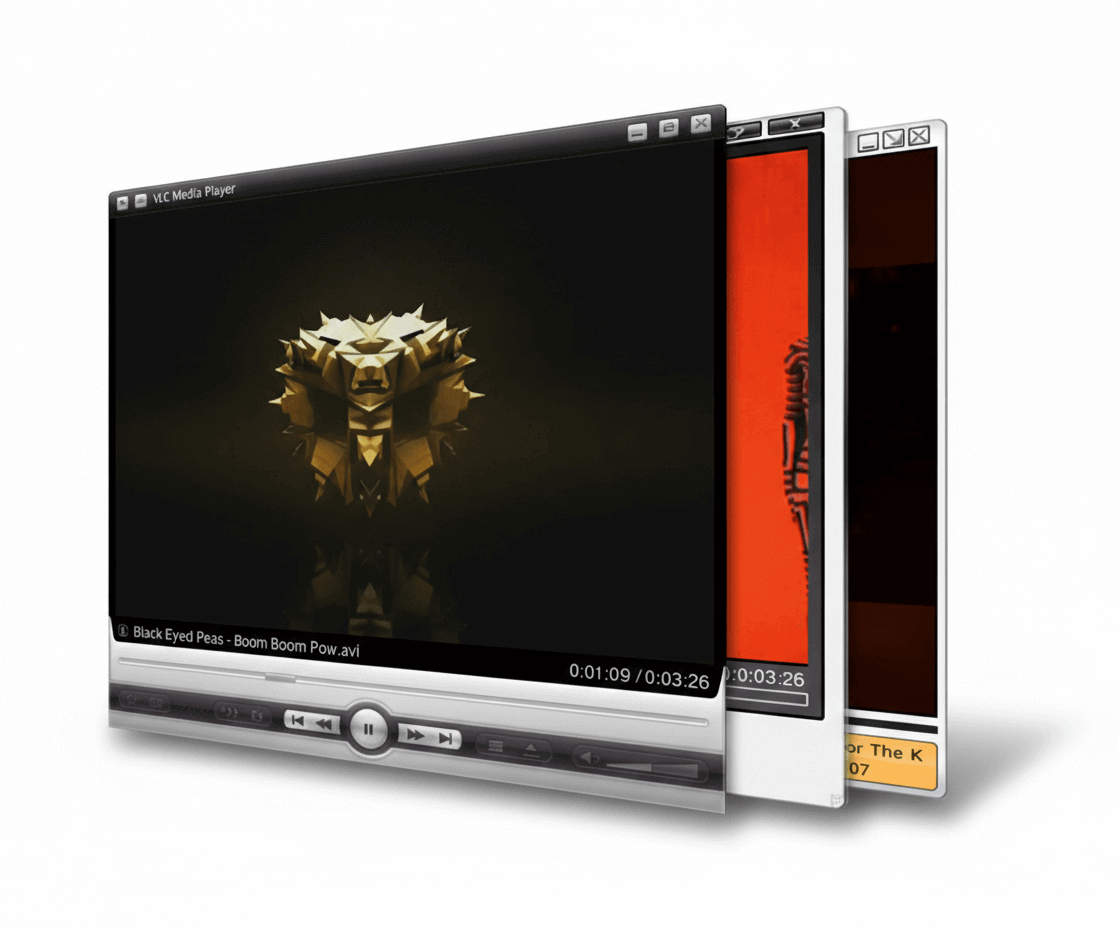
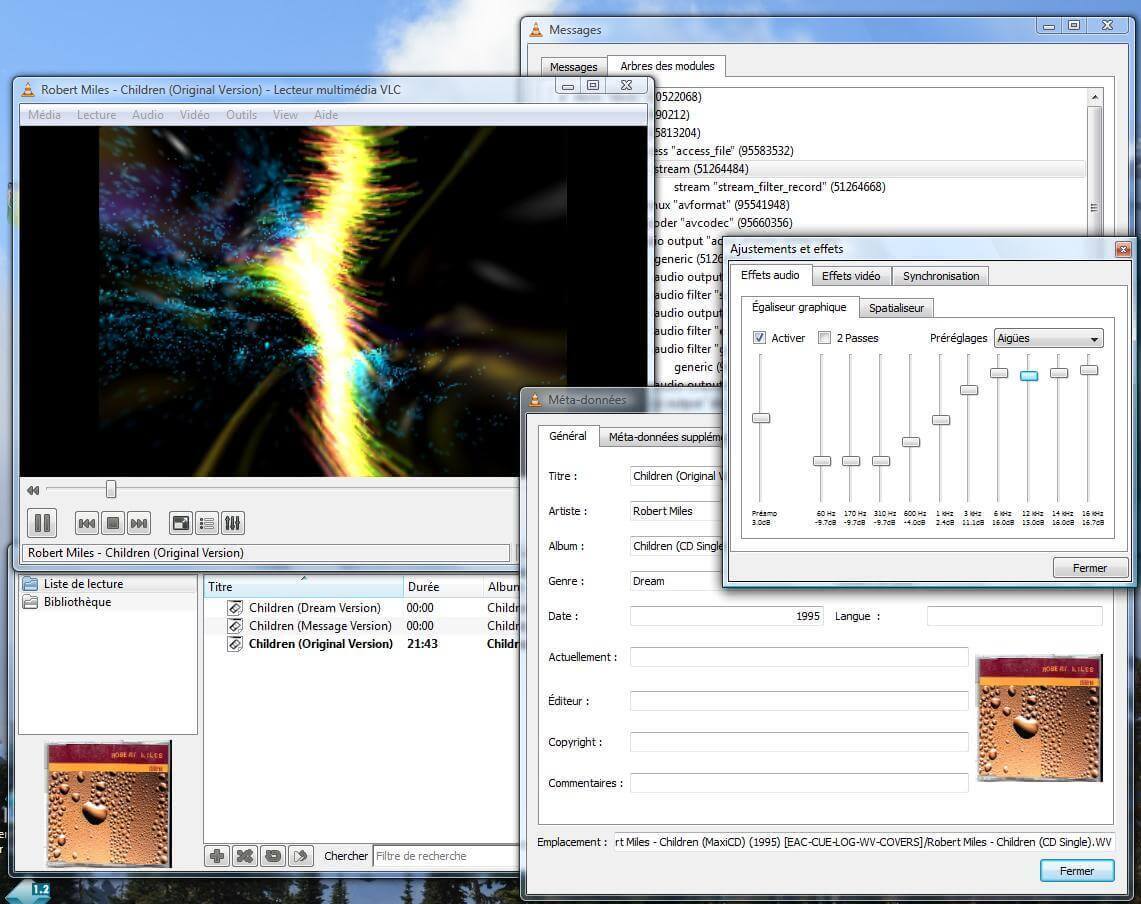
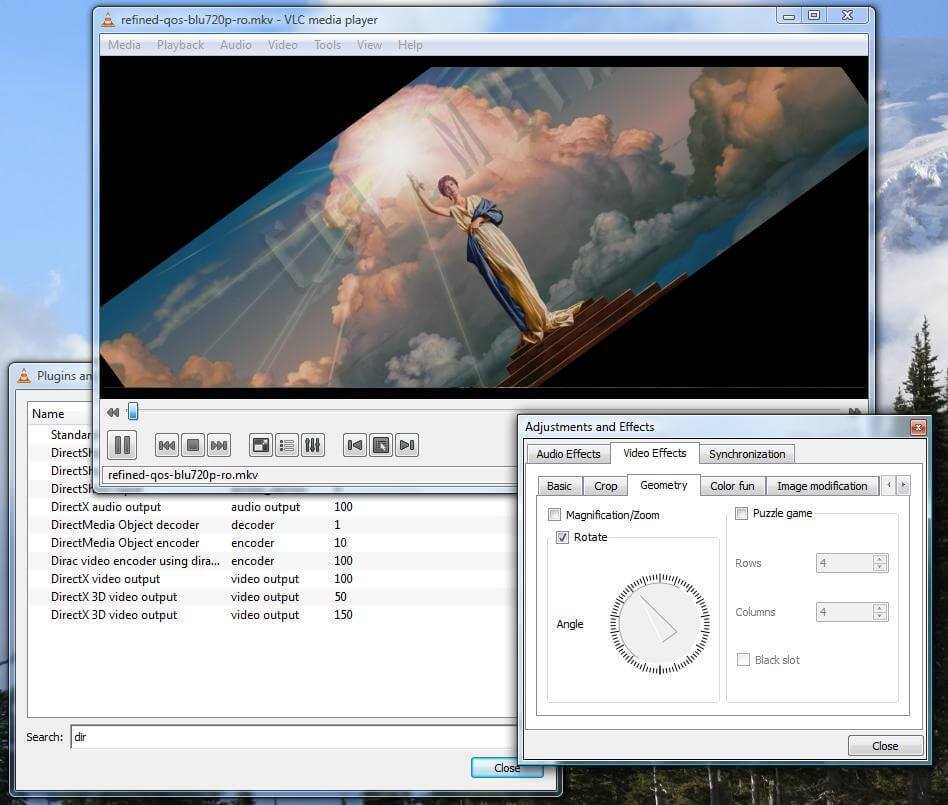
VLC media player on Windows showing multiple stacked player windows with video playback and controls

Built for the Windows Experience

VLC integrates seamlessly with Windows. It handles file associations, thumbnail previews, and plays DVDs and Blu-rays without additional software.

  • Native Windows 11 integration with dark mode support
  • Hardware-accelerated decoding via DirectX and DXVA
  • Customizable toolbar and interface through skins
  • Built-in video effects, audio equalizer, and subtitle sync
Download for Windows
VLC media player displayed on a curved ultrawide TV in a modern home entertainment setup with speakers

Your Home Entertainment Center

Transform any screen into a media center. VLC plays 4K and 8K content with HDR support, streams from your network, and handles Blu-ray discs with full menu support.

4K UHD 8K HDR Blu-ray DVD Chromecast 360 Video 3D Audio
View Full Feature List

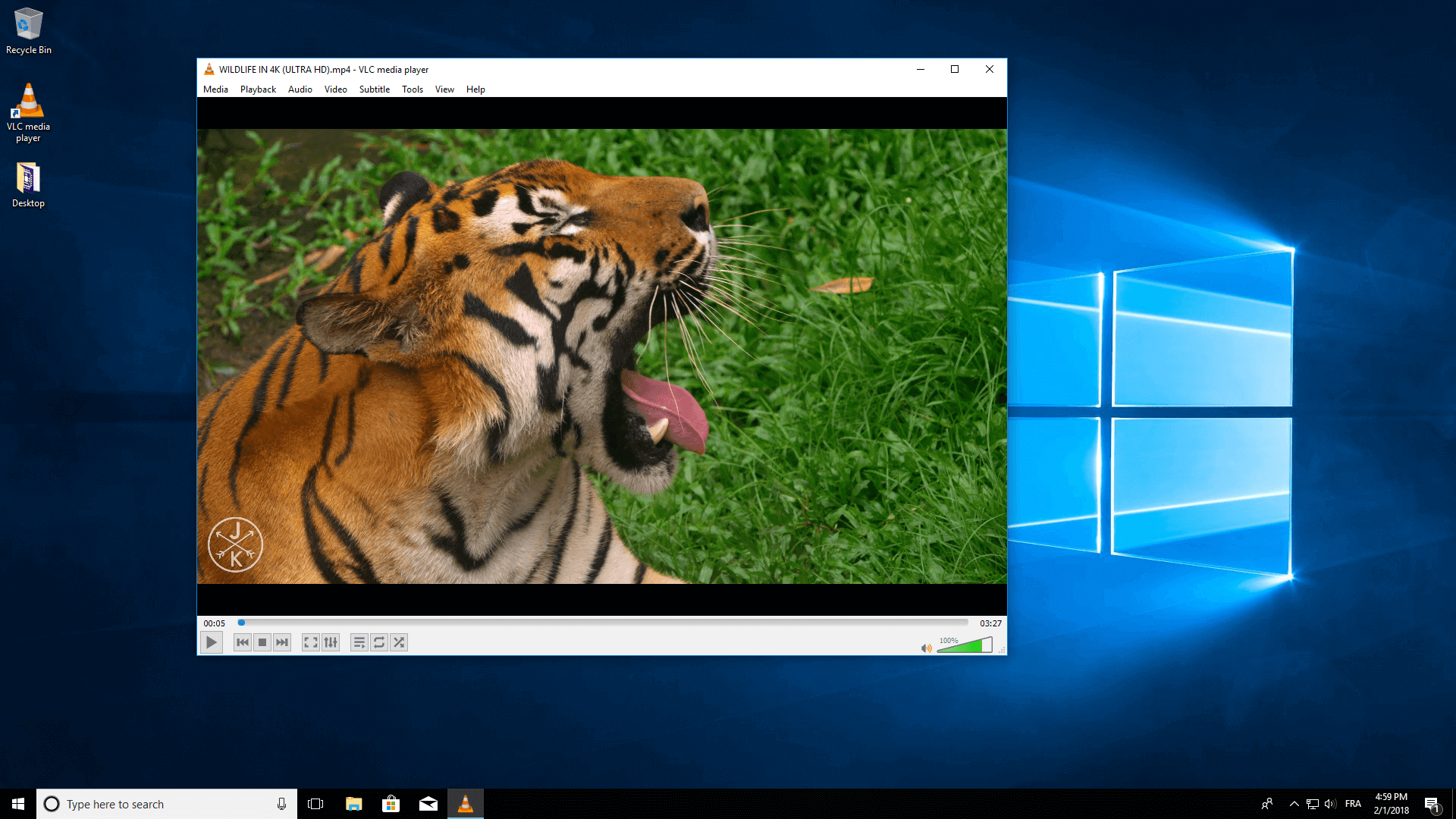
See VLC in Action

Take a look at VLC media player on Windows and macOS with video playback, effects, and more.

Ready to Experience Better Media Playback?

Join billions of users who trust VLC media player. Download it free today and play anything, anywhere.

About VLC Media Player

Clear facts for users and search engines: what VLC is, who develops it, and why this site exists.

What Is VLC Media Player?

VLC media player is a free, open-source multimedia player and framework that plays most multimedia files, DVDs, Audio CDs, VCDs, and streaming protocols. It runs on Windows, macOS, Linux, Android, and iOS. VLC does not require additional codec packs: it supports MPEG-2, MPEG-4, H.264, MKV, WebM, WMV, MP3, AAC, FLAC, and many more formats out of the box.

Who Develops VLC?

VideoLAN is the non-profit organization that develops VLC media player and other multimedia projects. VideoLAN is not a company; it is a volunteer-driven project. VLC is free software released under the GNU General Public License. There is no paid version, no ads, and no user tracking.

Why Download from VLC-Media.net?

VLC-Media.net is an independent download hub for VLC media player. We provide direct, safe download links for the official VLC installer for Windows and Mac. Our goal is to make it easy to get the latest VLC version without extra software or registration. We do not modify VLC; we link to the official VideoLAN releases.

Learn More About VLC and VideoLAN